Math AI Extension

Your math help. Right beside your page.

The Math AI extension keeps a math question and its explanation beside the webpage you’re studying. Capture a problem, ask for the reasoning and continue the conversation without switching tabs or retyping equations.

Add to Chrome

Free trial · No card needed

For desktop Chrome. On your phone? Use the web solver

Your study page

Solve the equation

x² − 5x + 6 = 0

Capture just the question you want to ask.

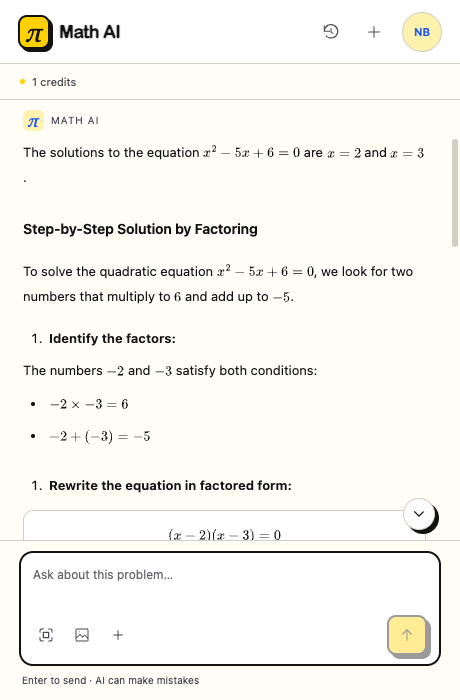
Math AI’s Chrome side panel explaining how to factor x squared minus 5x plus 6, with a follow-up question field below.
From a quadratic equation to the factoring steps.

What the Math AI extension helps you do

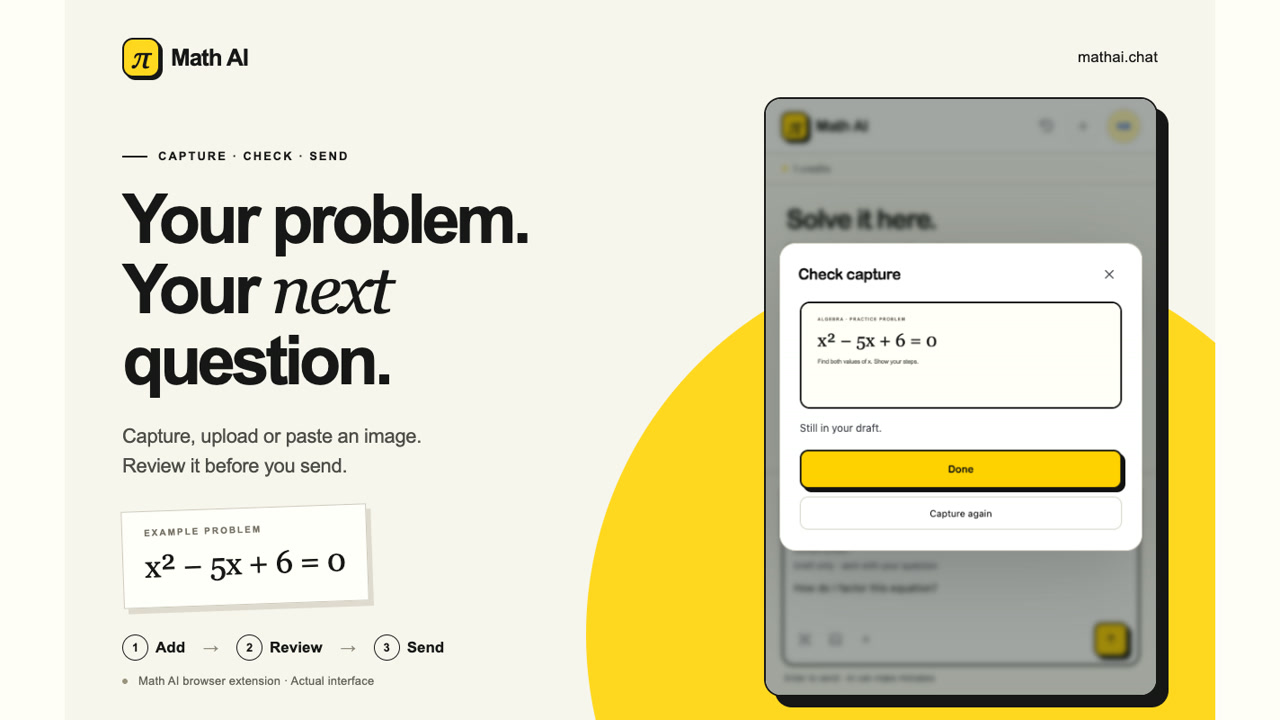
Math AI extension with a worksheet screenshot attached to a draft question before sending.

Turn a screenshot into a focused math question

Use the Math AI extension to crop a worksheet question, select an image, or paste a screenshot. Review the preview and add your attempt or the step that confused you, so the response addresses your actual problem.


Math AI extension’s conversation history with saved math questions ready to reopen.

Keep the steps. Continue the conversation.

The Math AI extension explains the working, not just a final result. Ask why a sign changes or which rule applies. Sign in to revisit saved conversations, then continue studying with the same account and credits you use on the website.

How to use the Math AI extension

Add to Chrome

Install the Math AI extension

Open the official Chrome Web Store listing, choose Add to Chrome and pin Math AI to your toolbar for the next question.

Capture the full question

Open the Math AI extension from the toolbar on an ordinary webpage. Include the equation, instructions and diagram labels before reviewing your screenshot.

Ask about the next step

Send your question through the Math AI extension, read the explanation, and ask a focused follow-up. Check the answer against the original problem.

Math AI extension questions, answered

Study beside your page with the Math AI extension

Install the Math AI extension for your next study session. Start with the shared free trial, then continue with your existing account and balance.

Add to Chrome