AI question generator: Begin with the material that matters
Use the AI question generator by naming the topic when you need broad practice, or add notes and selectable PDF text when the set should reflect a particular lesson, chapter, or reading.
Start with a subject, your own notes, or a readable PDF, then shape a reusable set around the number, response styles, difficulty, language, and answer detail you need.
Add your topic, source, or lesson details, choose the settings, then generate a result you can use, copy, or download.
Use the AI question generator by naming the topic when you need broad practice, or add notes and selectable PDF text when the set should reflect a particular lesson, chapter, or reading.
A question generator lets you decide how many items belong in the bank and combine multiple choice, true or false, short answer, and open-ended prompts to vary what learners must recall or explain.
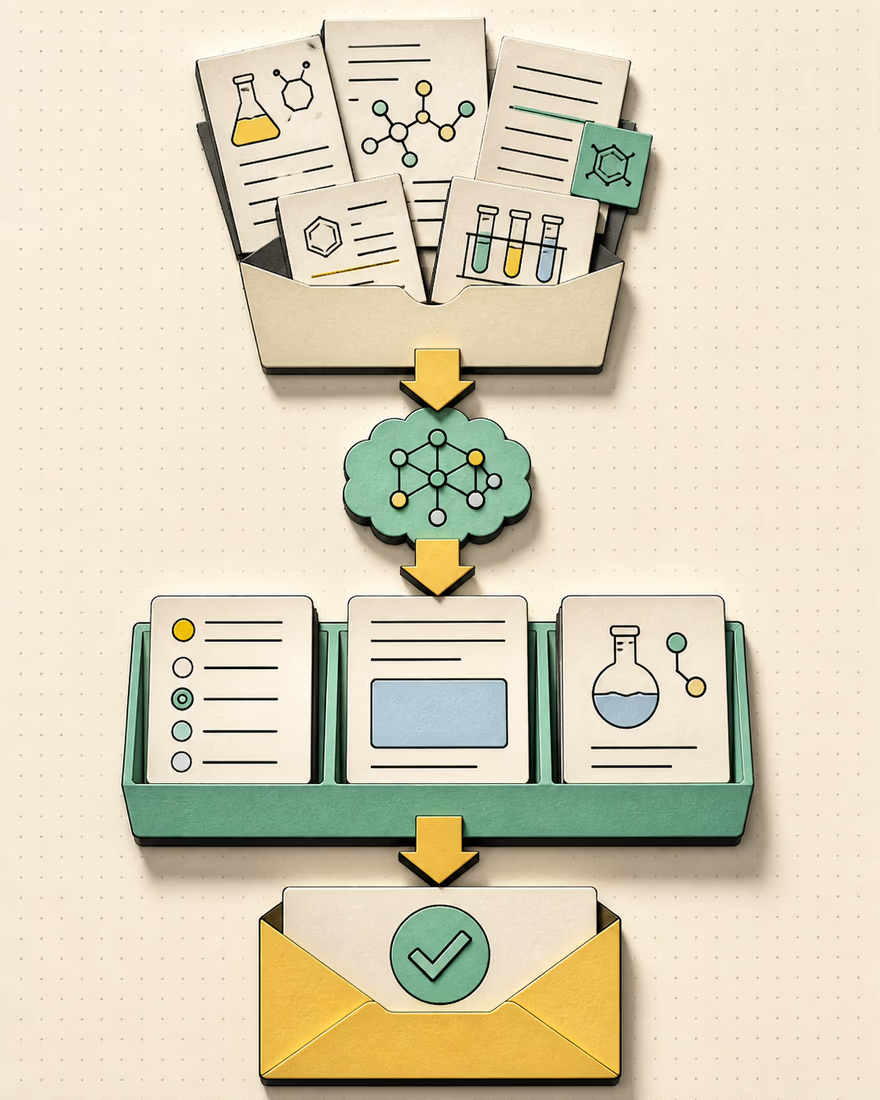
Use the AI question generator to request answers and explanations for guided review, or leave both out when you want a clean practice sheet that does not reveal the response beside the question.
Treat the generated bank as a working draft. Compare every prompt, option, answer, and explanation with the source before it reaches a learner or becomes graded material.
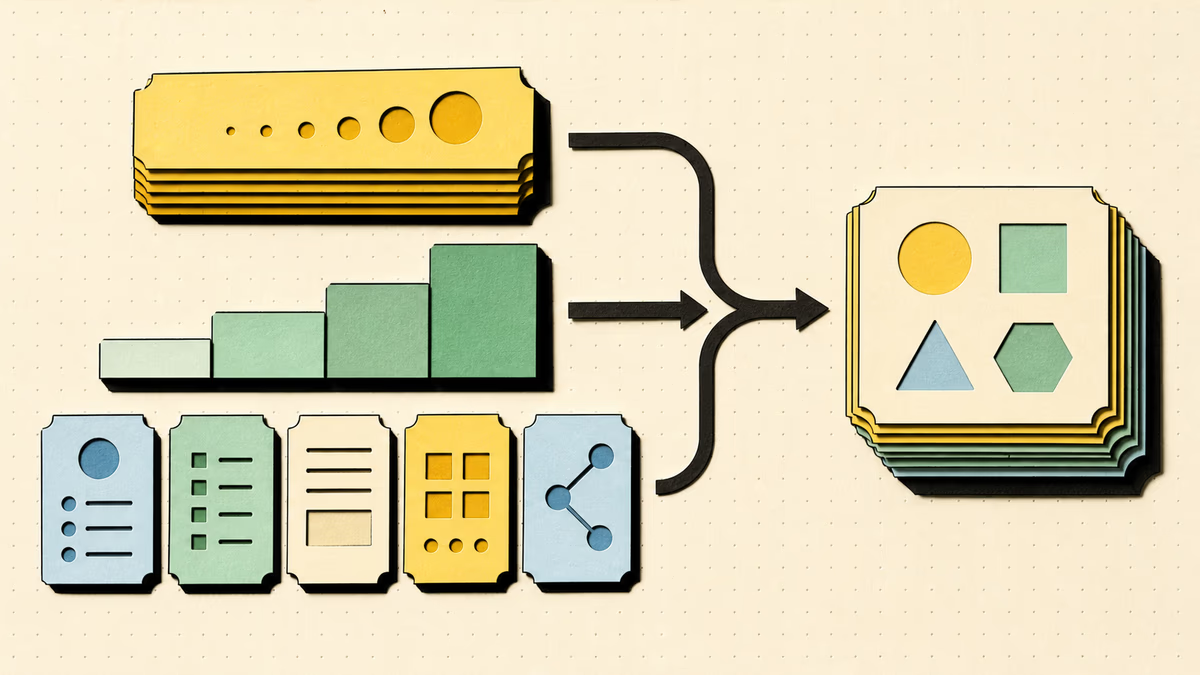
The question generator can produce anywhere from 3 to 30 items. A short set can check one concept, while a larger bank can sample several parts of a unit. Select one response format for consistency or mix formats when the same material should test recognition, recall, and explanation.
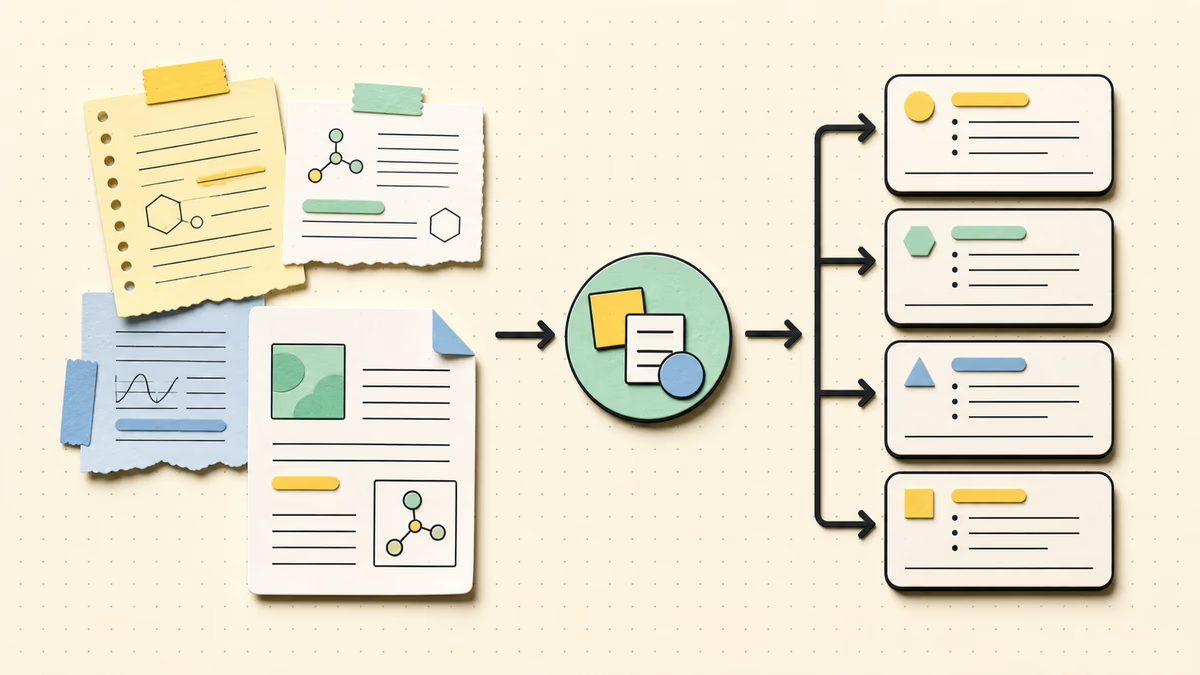
Paste relevant notes, a passage, or textbook material directly into the workspace. You can also choose a text-based PDF; its selectable text is extracted in the browser and placed into the same source field. Files may contain up to 50 pages and be up to 10 MB, with 40,000 extracted characters used as source context.
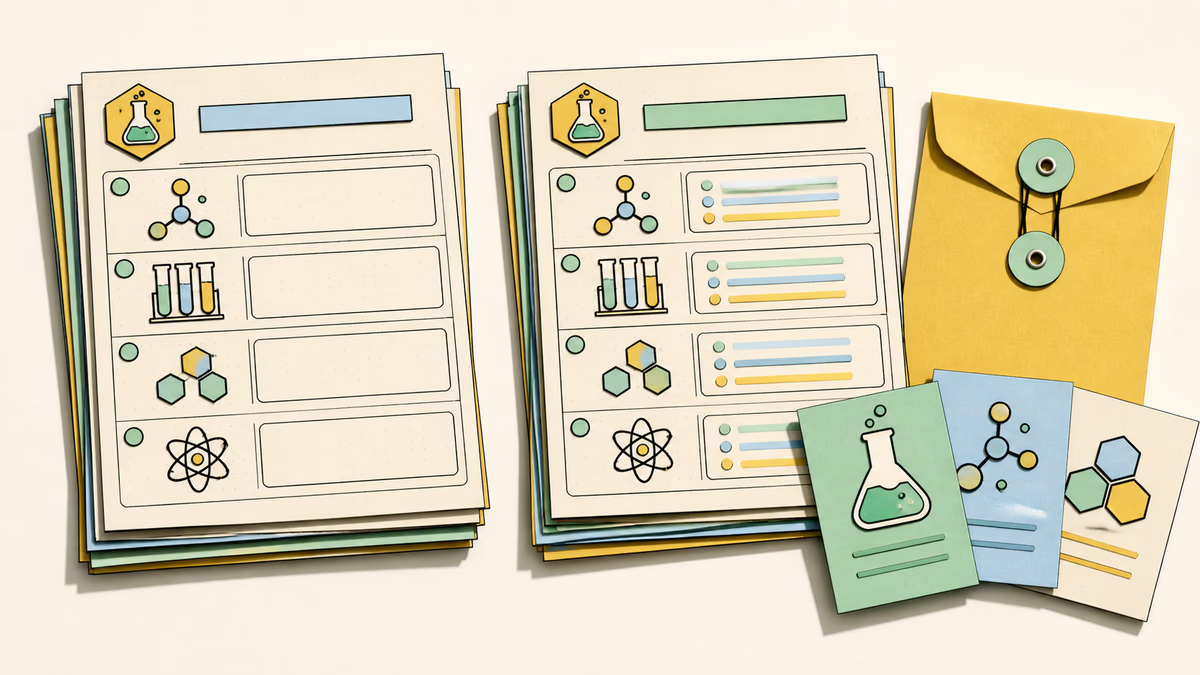
The AI question generator lets you pick easy, medium, hard, or mixed difficulty, then set the output language independently from the source. The answer option controls whether accepted results include both correct answers and explanations, so the bank can support self-review or remain question-only for independent work.
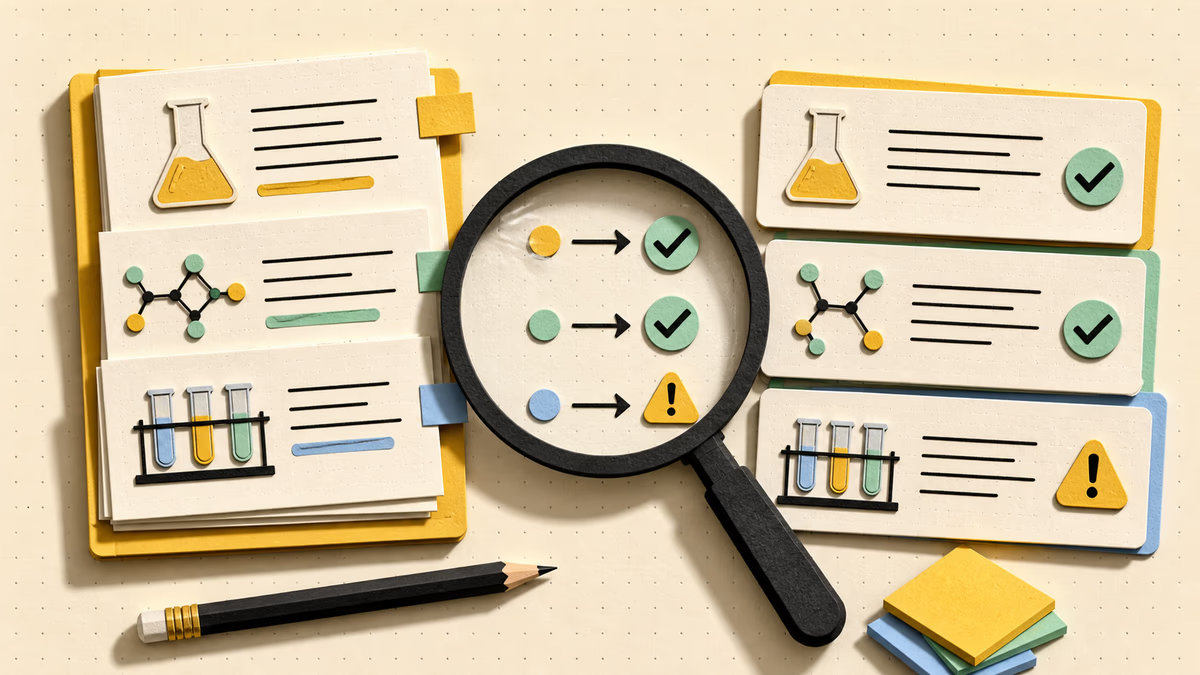
Read the prompt without looking at the answer first. Check that it is unambiguous, supported by the supplied material, and appropriate for the intended level. For multiple-choice items, make sure one option is defensible and the alternatives do not introduce facts the source never covered.
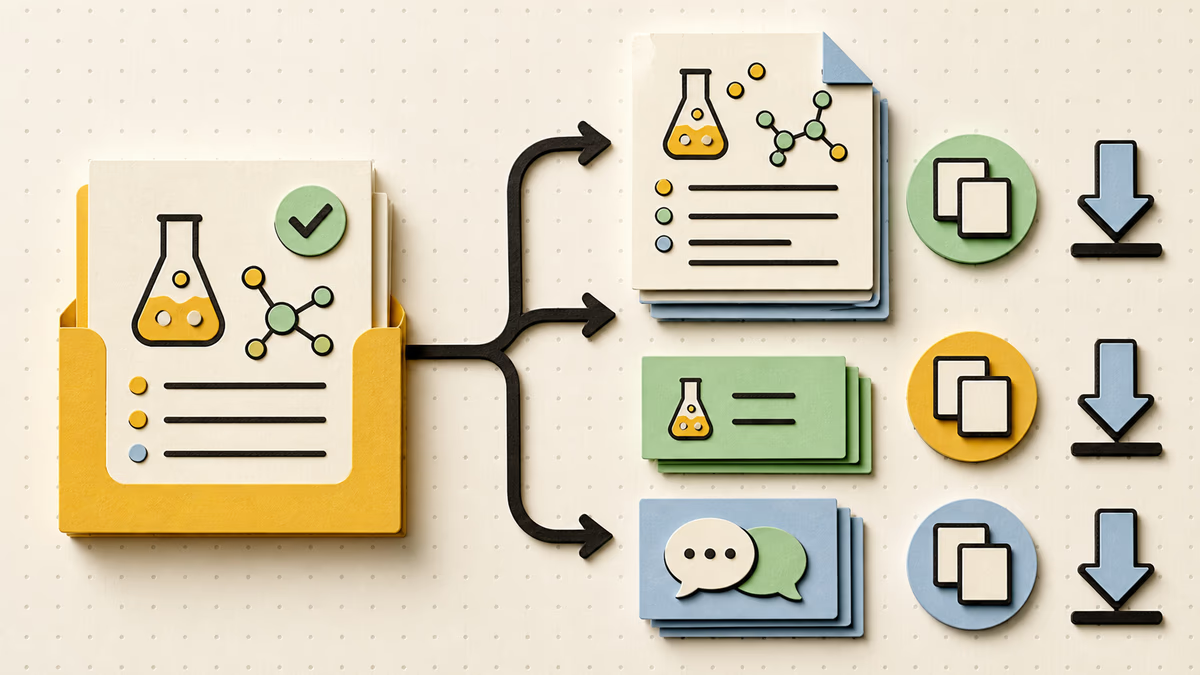
Copy the completed bank or download it as Markdown for a lesson document, study file, discussion outline, or exit ticket. Copying, revealing an existing key, and downloading are local result actions and do not spend another credit. Generate again only when you want a new set from revised inputs or settings.
Generate my questions
This question generator starts with the topic you taught and the passage or notes students received. Generate a small mixed-format bank, inspect its coverage, and copy the questions that fit. Keep answers visible while checking the draft, then move the question-only material into a warm-up, homework task, or exit ticket.
Start the question generator with a topic, paste at least 20 characters of useful source text, or upload a text-based PDF. You can use a topic by itself, but pairing it with focused material gives the task a clearer boundary.
Select 3–30 questions, one or more of the four response formats, a difficulty level, and an output language. Decide whether the generated JSON should contain answers and explanations before submitting the task.
Read through the returned bank, compare it with your source, and keep the items that serve the learning goal. Reveal the key when it exists, then copy or download the result. Submit another generation only if a different draft is needed.
Yes, when the file contains selectable text. The AI question generator reads that text in your browser and adds it to the source field; it does not perform OCR on scans or photographed pages. A PDF can be up to 10 MB and 50 pages, and the usable extracted text is capped at 40,000 characters. Review what was extracted before generating from a complex document.
You can request multiple choice, true or false, short answer, and open-ended prompts. Select a single format for a consistent handout or combine formats in one bank. Selectable questions contain options, while written questions are returned without an option list.
Yes. Turn off the answer setting before you submit the generation. Accepted output then omits both correct answers and explanations, leaving a clean set of prompts. You can still copy the result or download it as Markdown for use outside the page.
For a signed-in account, each accepted generation or regeneration costs 1 credit. Copying an existing result, downloading its Markdown file, or revealing an answer key that was already generated are local actions and do not create another charge. A regeneration is a new provider request rather than an edit to the prior bank.
Use a coherent passage that actually contains the facts, relationships, or arguments you want assessed. Remove navigation, references, and unrelated chapters when possible. A concise topic can steer a broad source toward one objective. Headings and full sentences also provide more context than fragments, but every returned item should still be checked against the original.
Yes. Generation produces a draft, not a verified assessment. Confirm that each prompt has enough context, matches the intended difficulty, and can be answered from the supplied material. Check answers and explanations separately, and inspect distractors for accidental ambiguity. A teacher or subject expert should approve every item used for grades or formal instruction.
This page produces a reusable list of questions for you to review, copy, or download. Answers can be included at generation time, but learners do not submit the bank for a score here. The AI Quiz Generator is the separate choice when someone should answer on the page, receive objective scoring for supported items, and retake the activity.

Bring one clear topic, a useful passage, or a readable PDF. Set the response formats and answer preference before generation, then curate the returned bank against the material you trust.
Build a question bank