Keep the AI quiz generator focused on one topic
Use the AI Quiz Generator with one lesson, a difficult concept, or the notes you just finished. Give the practice a clear boundary.
Find out what you can answer before opening your notes again. Build a quiz around one topic or a piece of course material, work through the questions here, and use the feedback to decide what deserves another look.
Add your topic, source, or lesson details, choose the settings, then generate a result you can use, copy, or download.
Use the AI Quiz Generator with one lesson, a difficult concept, or the notes you just finished. Give the practice a clear boundary.
The AI quiz maker can mix recognition questions with written responses, so you can see whether you can explain an idea as well as identify it.
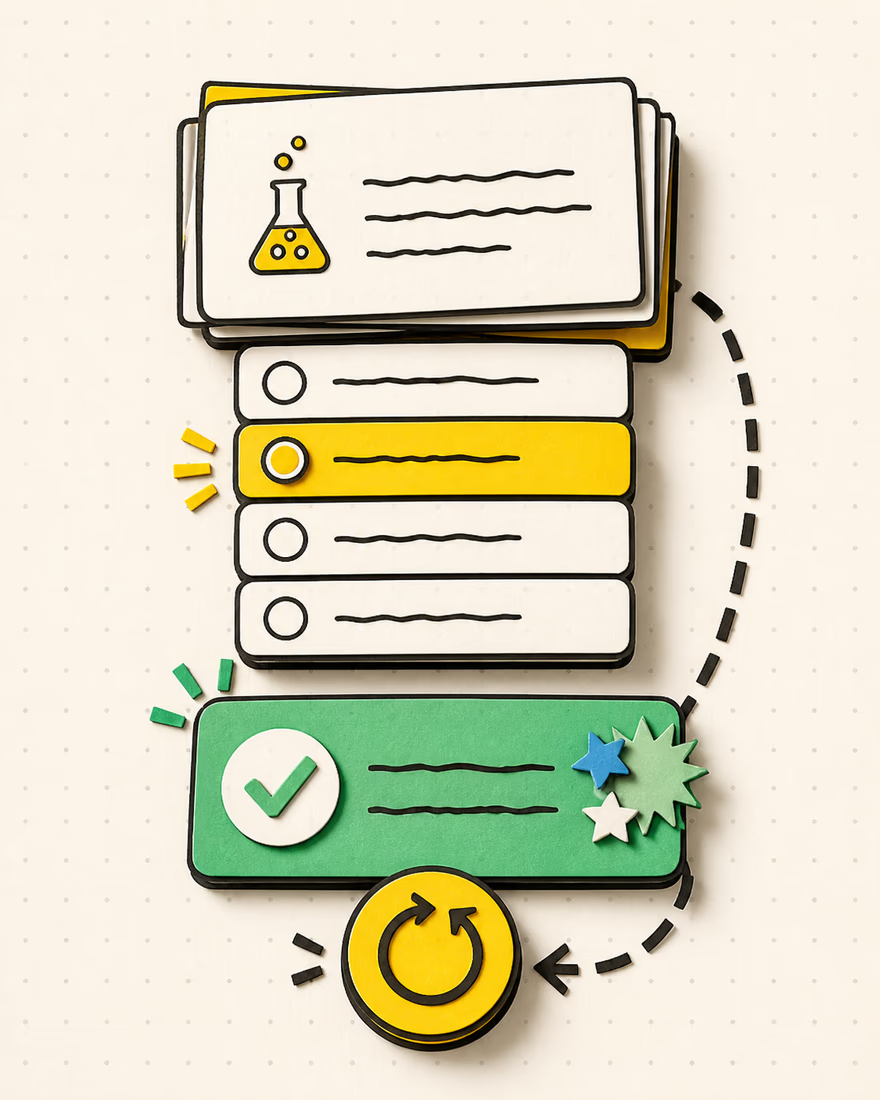
Submit your answers and the AI Quiz Generator reveals explanations and references alongside the scored multiple-choice and true-or-false items.
The AI quiz maker can reset the existing attempt after you review your gaps. A retake uses the same questions and no additional generation credits.
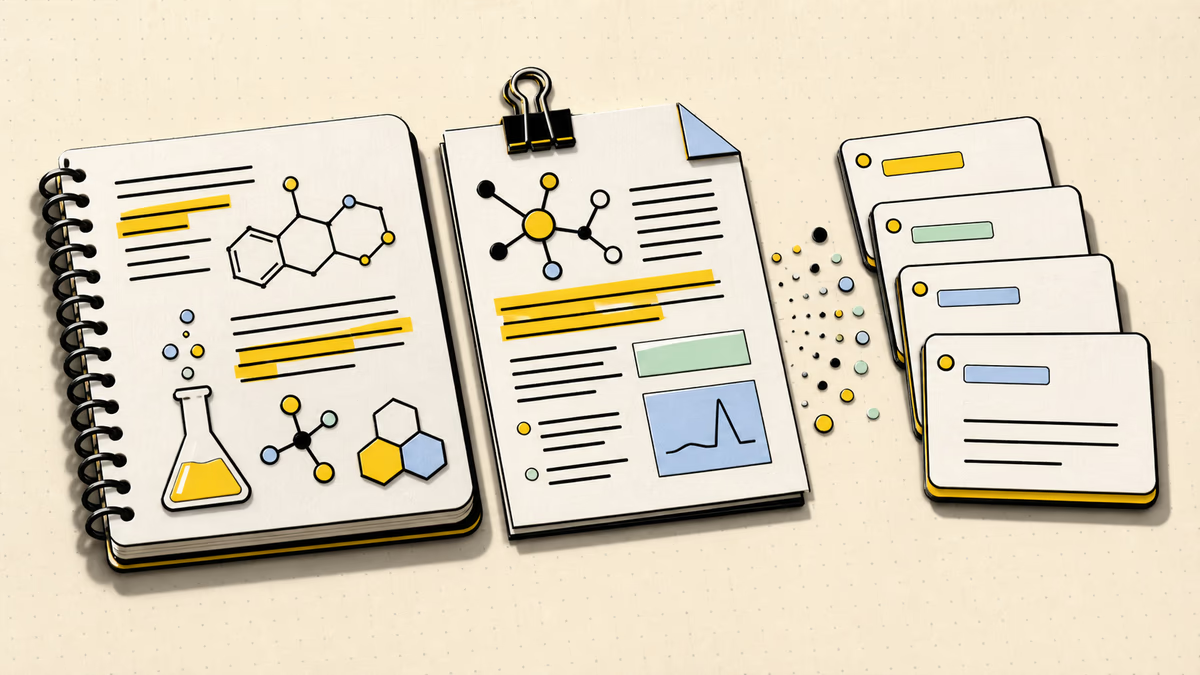
The AI quiz maker accepts a topic, pasted text, or text extracted from a readable PDF. For a chapter with several themes, add a topic that names the part you want to test. A passage about ecosystems, for example, can become practice focused on food chains rather than the whole chapter. Source selection gives the session its scope; it does not guarantee that every detail will appear.
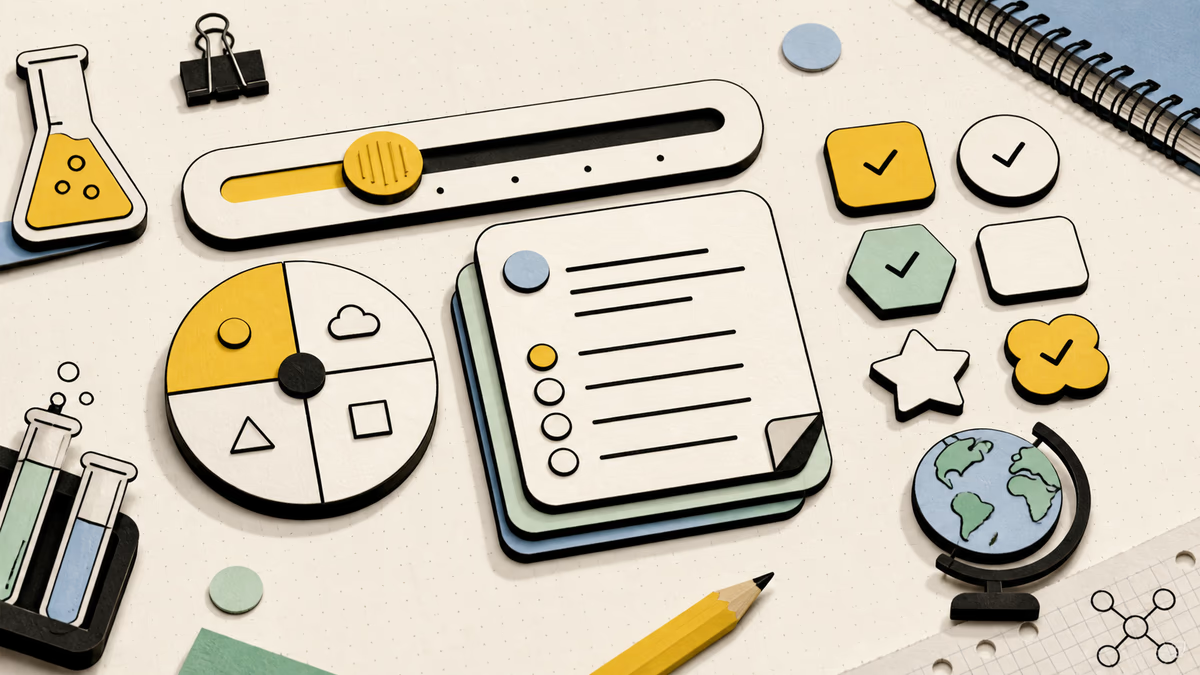
The AI Quiz Generator lets you set a length from 3 to 30 questions and choose easy, medium, hard, or mixed difficulty. Multiple-choice and true-or-false items ask you to recognize a response. Short-answer and open-ended items ask you to produce one yourself. Combine supported formats when both matter, then select the output language before generating. A smaller set leaves more time to think through each explanation.
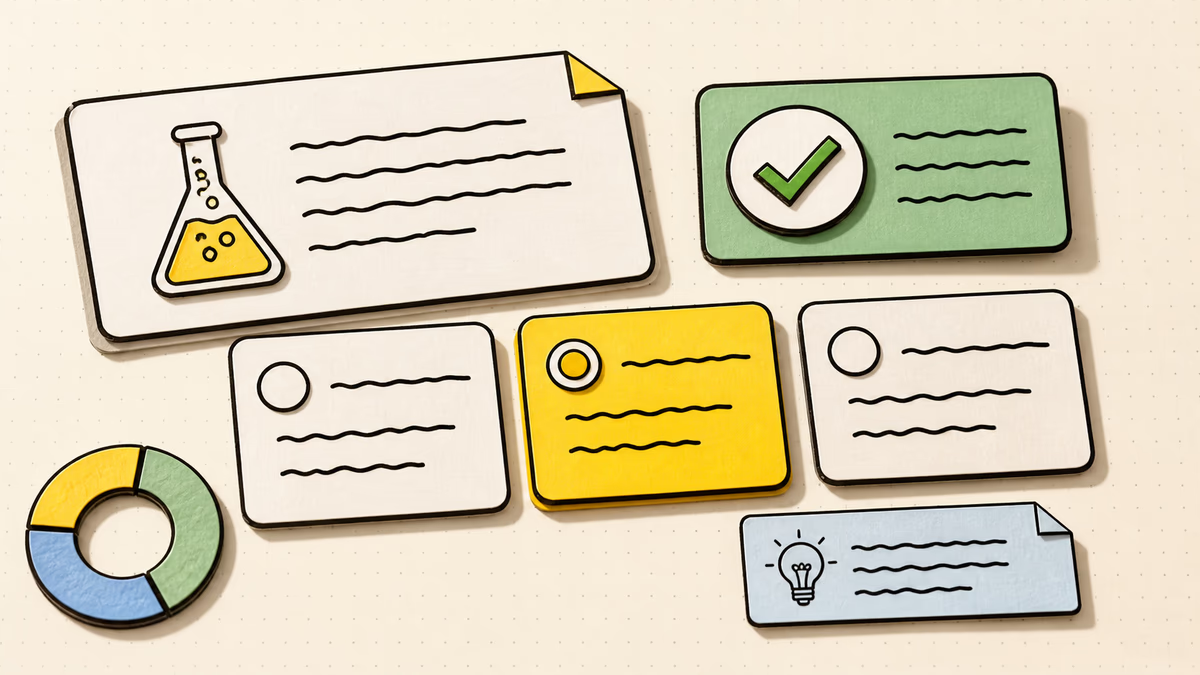
After submission, the AI quiz maker scores multiple-choice and true-or-false questions only. Written responses have reference answers for comparison, not automatic marks. Read your explanation beside the reference: did you identify the right cause, use the correct units, or leave out a necessary condition? This distinction keeps a numerical score from standing in for the parts of your understanding it did not measure.
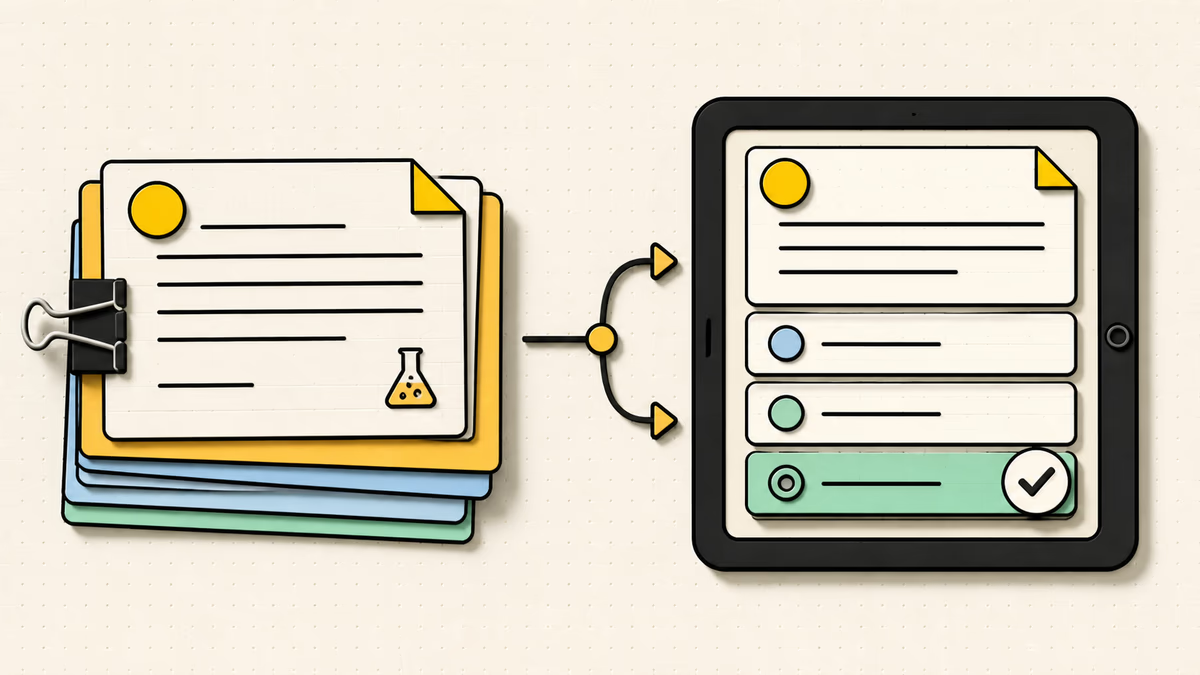
Use this AI test generator for an on-page practice attempt with feedback. If you need questions to arrange in your own handout instead, the separate AI Question Generator produces a reusable bank. Here, you can also copy or download the quiz as Markdown for your own records. These options serve different tasks; a downloaded question list is not an interactive test.
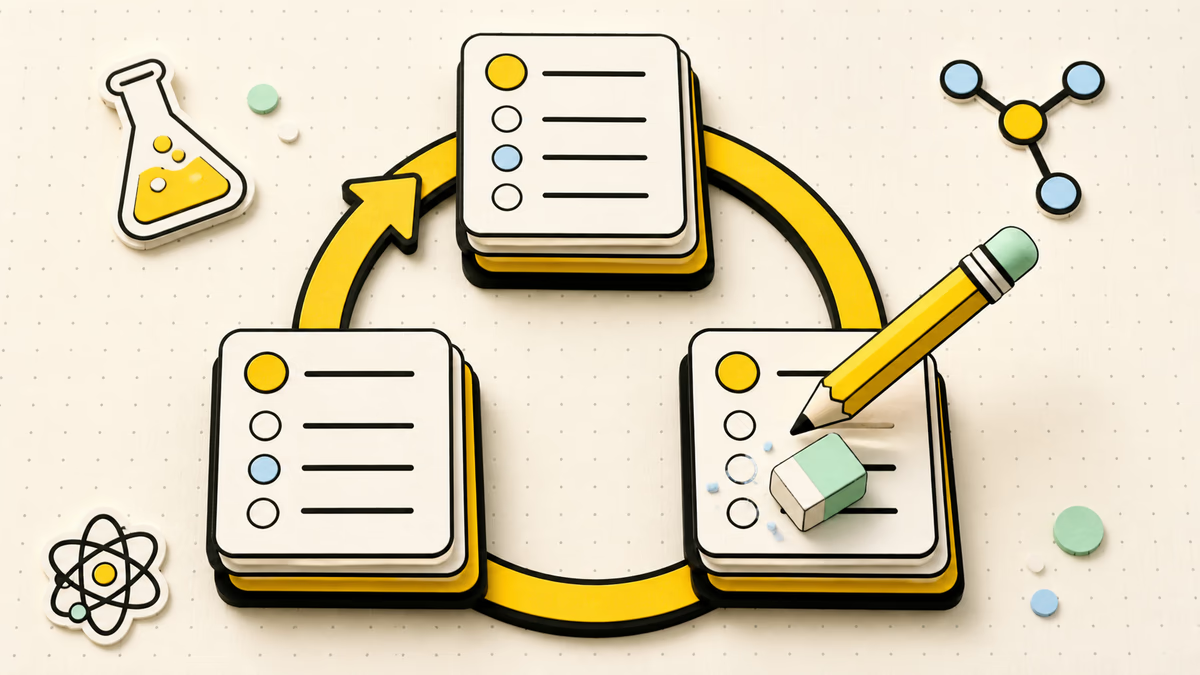
Retake clears your submitted answers so you can work through the existing quiz again. Regenerate creates different material from the current inputs and settings and uses a new generation credit. Try a retake to revisit reasoning you missed; request a new set when the topic, challenge, or question mix needs to change. Neither action is a promise of improved scores.
Build my practice quiz
Paste the notes while the lesson is still fresh, then choose a short mixed-format set. Before looking back, answer from memory. Use the explanations to distinguish an idea you recognized on the page from one you can actually explain. Record any missing steps in your own notes for the next review.
Enter a specific topic or supply your source. If both are present, use the topic to explain what the quiz should emphasize. Leave unrelated material out.
Choose your count, formats, difficulty, and language. Check the settings before generating; they define the new set, not the score you will receive.
Work through the items, submit, and inspect the feedback. Revisit the relevant source for anything uncertain, then retake or save a copy for later reference.
Yes. Describe a topic with enough detail to set the subject and level, such as introductory linear equations. A topic-only quiz draws on general knowledge; add your own material when wording, examples, or course boundaries matter.
Use a PDF with selectable text, no larger than 10 MB or 50 pages. Extracted text must fit within 40,000 characters. Image-only scans cannot be read here. If the file exceeds a limit or extraction fails, paste a focused text excerpt instead.
No. Short-answer and open-ended responses are for self-checking against the supplied reference. Only multiple-choice and true-or-false responses contribute to the automatic score. An all-written quiz therefore needs your own review rather than a numerical grade.
Answering, submitting, viewing feedback, and retaking the current quiz do not spend credits. Copying or downloading that result is also separate from generation. Creating a new quiz or regenerating one costs 1 credit.
Yes. Guests have a shared allowance of 3 credits across eligible tools and Chat, with each quiz generation using 1 credit. Previous guest use may reduce what remains. This is a limited starting allowance, not unlimited quiz creation.
The submitted attempt is locked for review. Use Retake to clear the responses and answer the same set again. If you need different questions rather than another attempt, adjust the inputs and generate a new quiz.
A limited question count cannot cover every point in a long source. Narrow the input to the missing section, name that focus, and request a suitable new set. Check coverage against your course objectives rather than treating one quiz as a complete exam blueprint.
Treat the output as a practice draft. Before using it for marks, a teacher should check subject accuracy, ambiguity, difficulty, answer keys, and the material learners were taught. Automatic scoring checks responses against the generated key; it does not verify that the key is correct.
Bring the lesson you want to check, take a focused quiz, and leave with a clearer question about what to study next.
Build my practice quiz