AI Flashcard Generator for Cards You Can Keep Improving

Build a first deck, then keep making it more useful. Create cards from a focused topic or your study material, save them to your library, and return to revise a prompt or test your recall whenever you study.

Text-based PDF only, up to 10 MB and 50 pages. Scanned PDFs are not supported.

Number of flashcards

Deck status

You can leave after submission and return when the deck is ready.

Your deck will appear here

Choose a topic, notes, or a text-based PDF, then generate one focused study deck.

ai flashcard generator: An AI flashcard maker for the work after generation

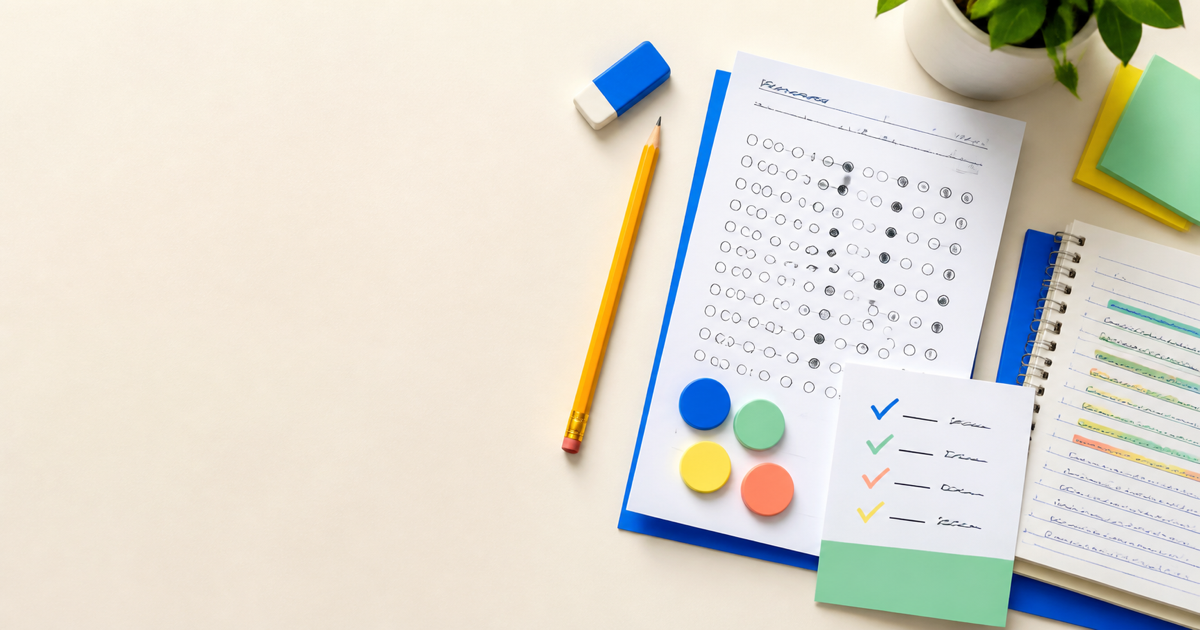
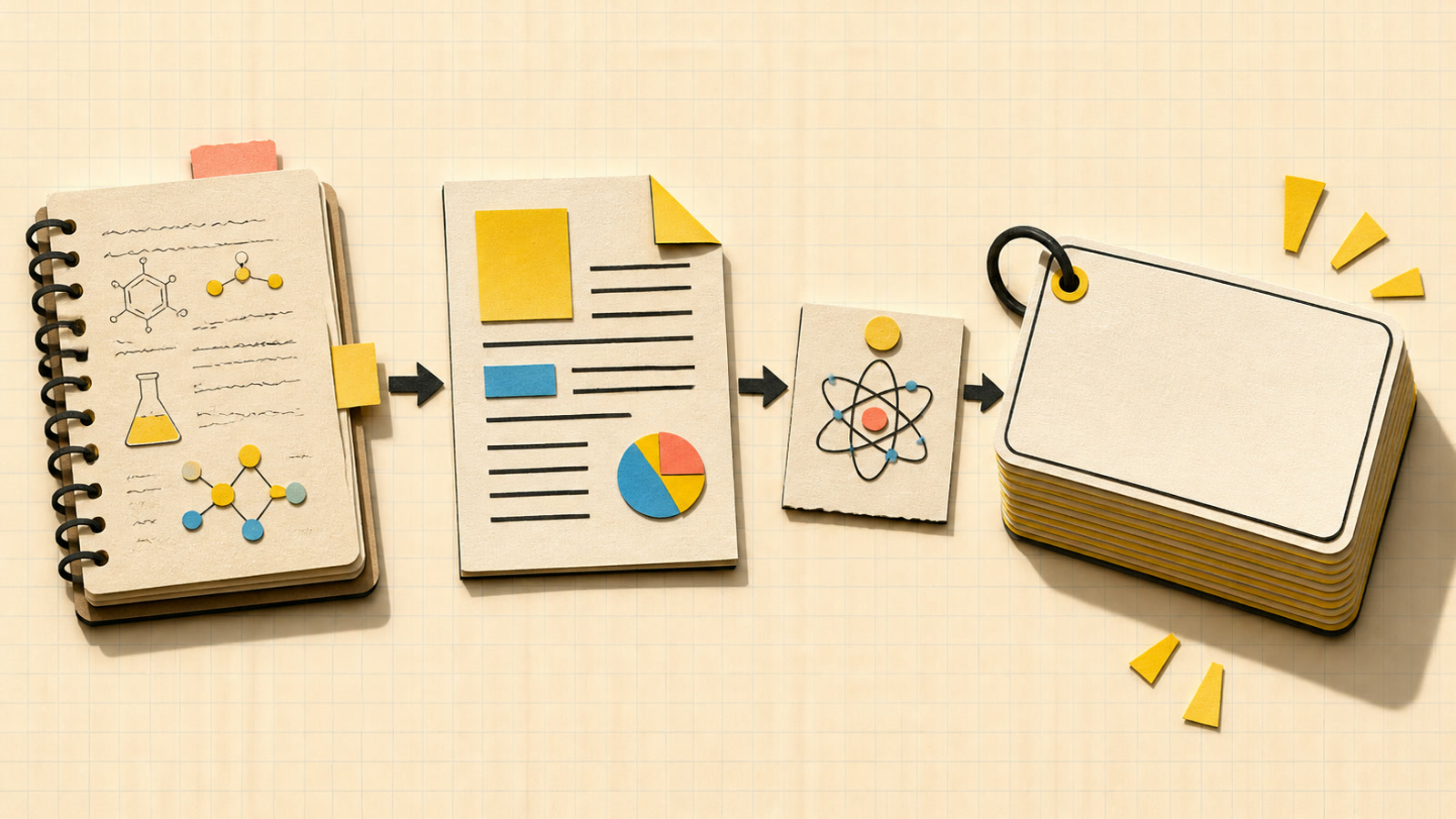
Study notes, a PDF, and a topic organized into a flashcard deck

ai flashcard generator: Make the source smaller than the subject

Start the ai flashcard generator with the material you want to recall, not everything you might study this term. The flash card generator accepts a topic, pasted notes, or text from a readable PDF. Add a topic alongside your notes to name the concept or chapter the deck should emphasize. Each generated card has a front and a back: a prompt to attempt and an answer to reveal. Review whether each pair asks one clear question instead of bundling several unrelated facts together. AI flashcard generator fits here.

Create my saved deck
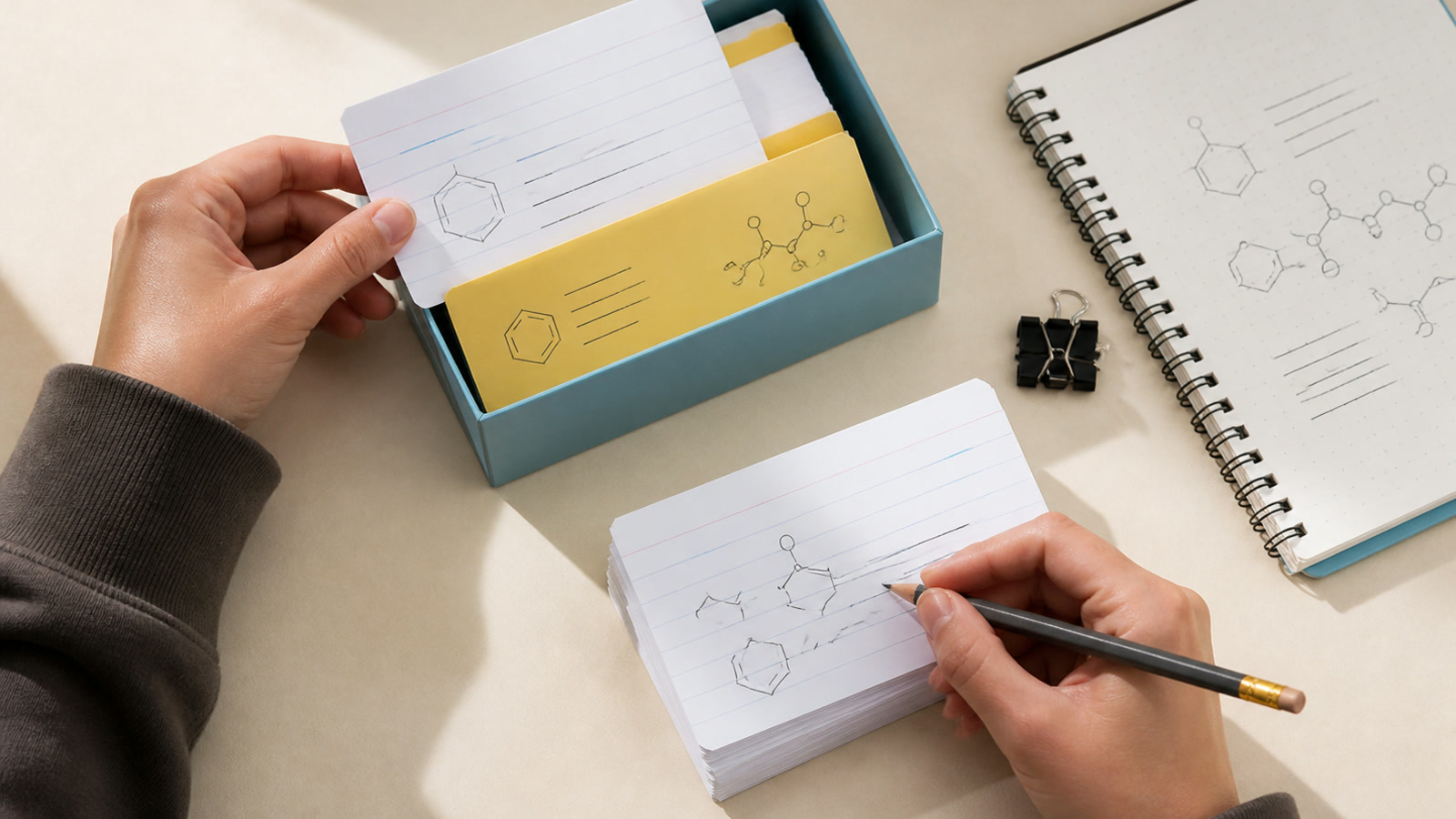
Organized flashcard stacks with language study symbols

ai flashcard maker: Choose a deck you can work through

The ai flashcard maker creates exactly 10, 20, or 30 cards in the language selected for the prompts and answers. Ten cards can suit a narrow group of terms; larger sets give broader source material more room. A larger deck is not a guarantee of complete coverage, so compare the result with what you intended to learn. If one answer becomes a paragraph of separate ideas, edit it or add a more focused card in the saved deck. AI flashcard maker continues this.

Create my saved deck
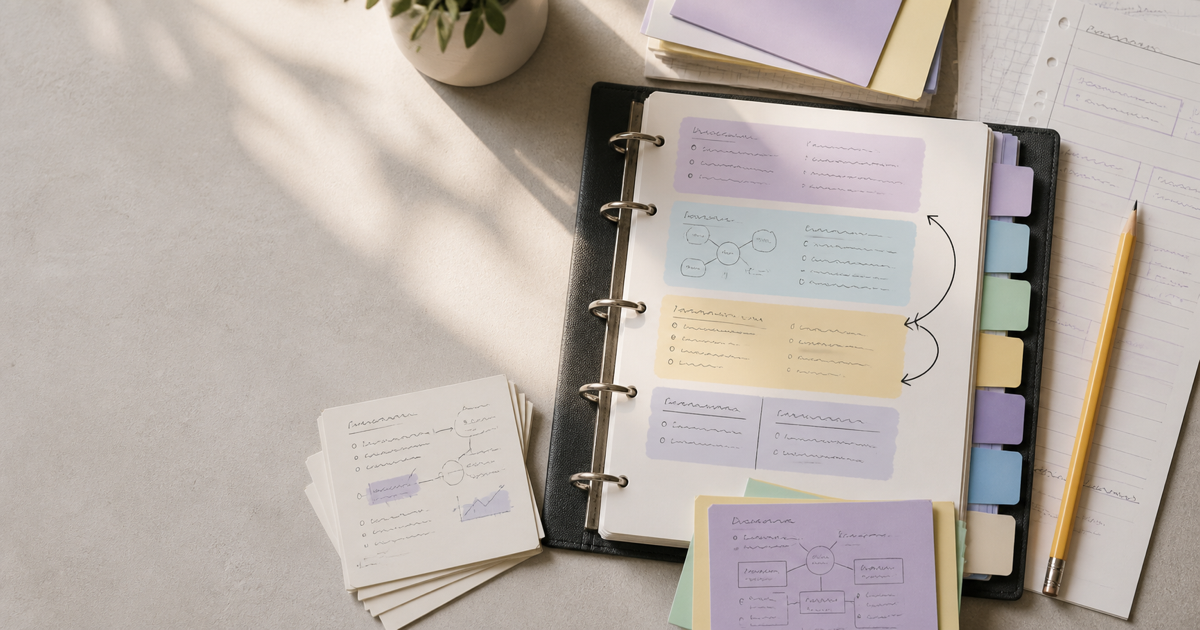
A learner refining and organizing a saved flashcard deck

ai flashcard generator: Keep the deck, improve the questions

The ai flashcard generator saves a completed deck to your flashcard library. Reopen it to edit either side of a card, add a missing prompt, remove an unhelpful pair, or study by flipping cards. Those actions do not spend more credits. Try answering before revealing the back; if a prompt keeps confusing you, clarify what it asks rather than memorizing an ambiguous phrase. This online flashcard maker gives you a deck to maintain, not just a block of generated text to copy elsewhere. AI flashcard generator guides this review.

Create my saved deck

ai flashcard maker: Build cards around something you need to remember

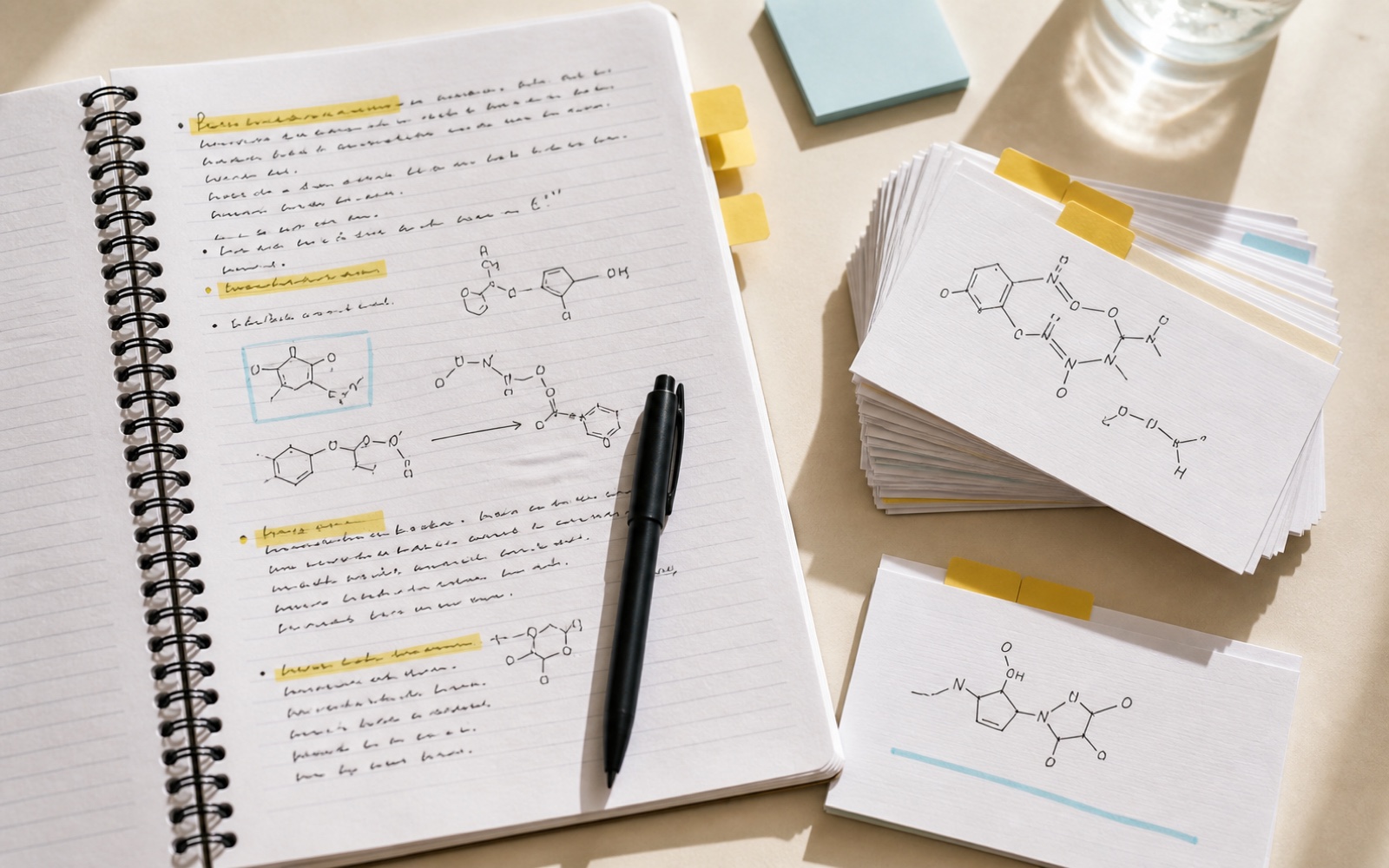
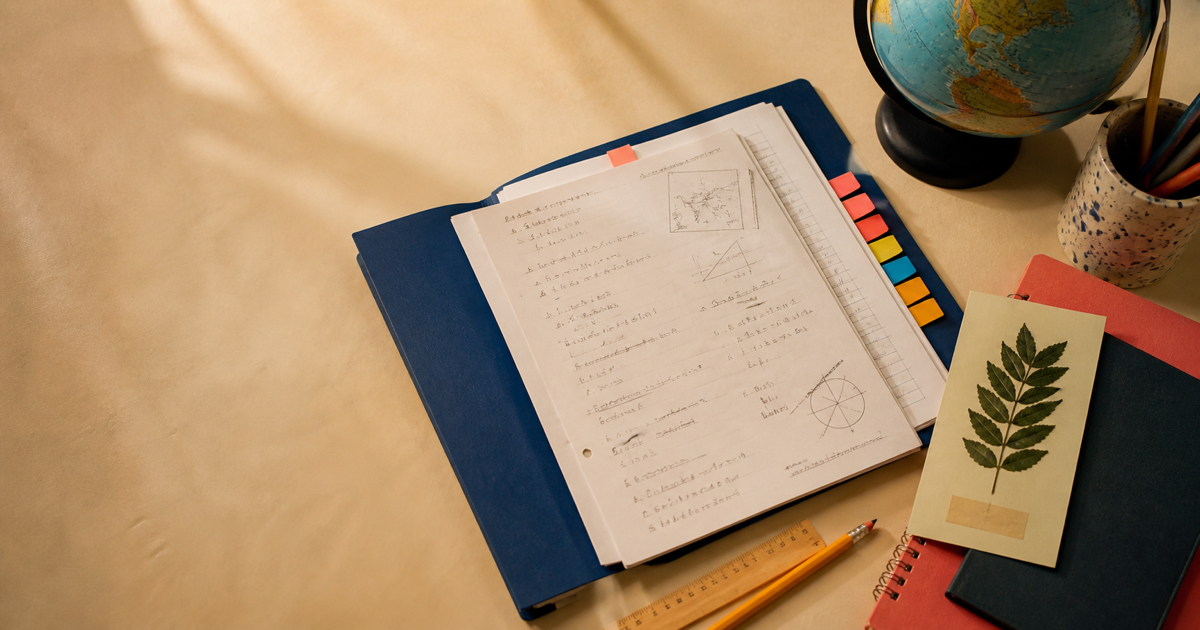
Handwritten class notes beside organized active-recall flashcards

ai flashcard maker: After class: turn notes into answerable prompts

A student can use the ai flashcard maker when definitions and examples are scattered across notes. Paste the relevant section and name the lesson’s main concept. Once the deck is saved, check that each front makes sense without the surrounding notebook page. Add the missing context to a prompt, keep the answer concise, and try explaining it aloud before flipping. The aim is a question you can actually attempt, not a sentence with its heading removed. AI flashcard maker clarifies this step.

Create once, then return to the saved deck

Create my saved deck

ai flashcard generator: Bring a topic or a focused source

Give the ai flashcard generator the material for this set. When using notes or a PDF, an accompanying topic can explain what deserves attention. Read through pasted text first so headings, symbols, and definitions are understandable. AI flashcard generator continues this.

ai flashcard maker: Choose the size and language

Pick 10, 20, or 30 cards and check the displayed cost. Sign in with a verified account before generating. Use a smaller set for a narrow target instead of filling a large deck with material you do not need. AI flashcard maker guides this review.

ai flashcard generator: Check the cards, then attempt them

Open the completed deck in your library, inspect the prompts and answers, and correct anything unclear. During study, recall an answer before flipping. Return to edit or add cards as your understanding of the topic develops. AI flashcard generator clarifies this step.

What to know about your first deck

Chemistry AI logo

Make a deck worth coming back to

Choose one topic, generate your first set, and refine the saved cards into prompts you want to answer again. The next study session can start from the deck you already have.

Create my saved deck