Give the practice one clear target
Start the AI Worksheet Generator with the topic and grade. Add lesson material when the questions should follow a particular reading or explanation.
Prepare practice around the skill your learners need next. Generate student pages and a separate answer key, adjust the draft question by question, and print the version you want to put on the desk.
Student copy and answer key are generated together, ready for review.
The first draft handles the starting structure. You decide which questions deserve a place in the finished handout.
Start the AI Worksheet Generator with the topic and grade. Add lesson material when the questions should follow a particular reading or explanation.
The worksheet generator offers Quick, Standard, and Extended question ranges, so a short follow-up need not become a long assignment.
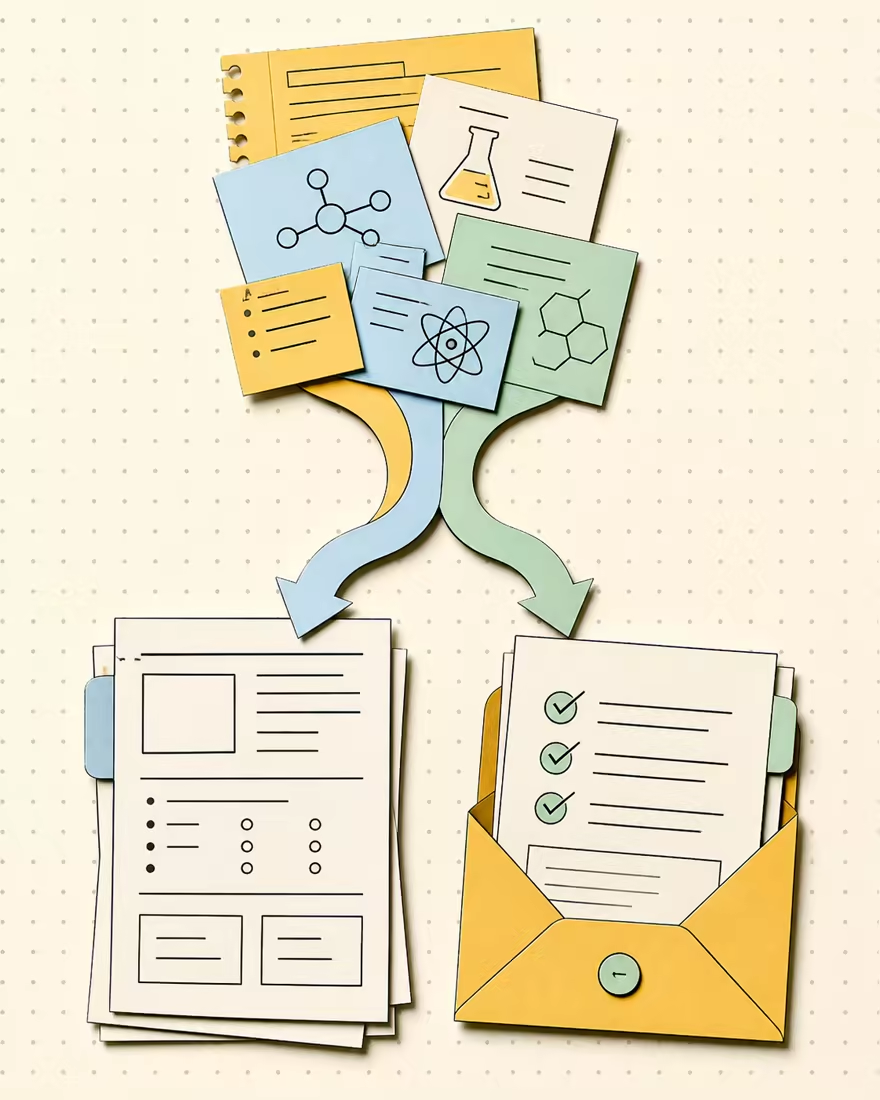
The AI Worksheet Generator keeps the linked key separate from the student pages, so you can print each version for its intended reader.
Use the worksheet generator to change wording or remove an unsuitable question in the current draft without generating the whole worksheet again.
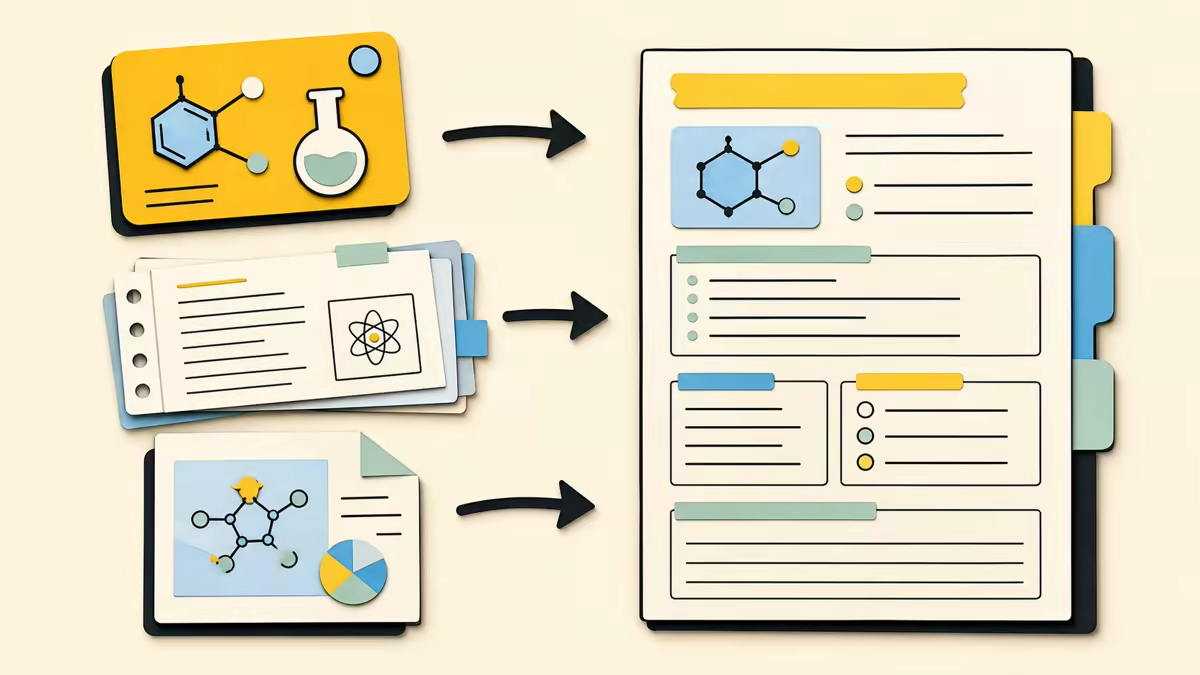
A topic such as comparing fractions with unlike denominators sets a clearer goal than a broad subject alone. Choose the grade, then add notes or selectable PDF text if the exercise should use your lesson material. Customize the difficulty, question formats, language, or special instructions when those choices affect the practice. The source supplies context; the topic tells the draft what students should work on.
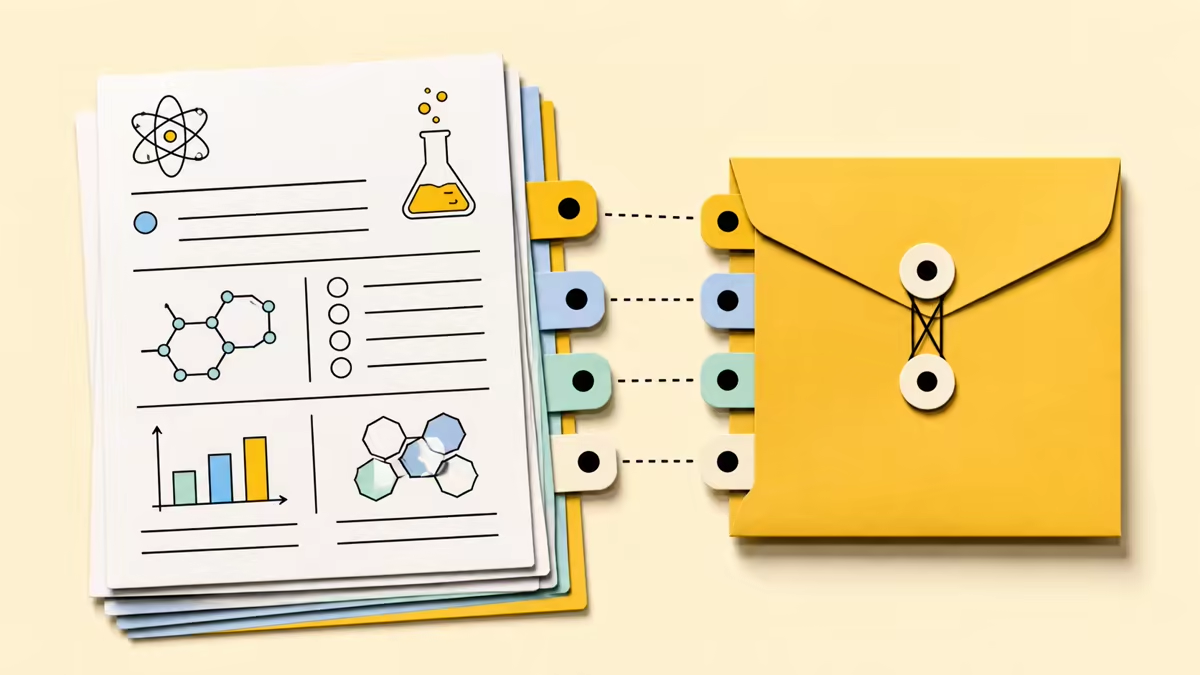
The worksheet generator creates student sections and the teacher answer key together, with answers linked to individual questions. Keep the student copy free of reference answers while you inspect the key for accuracy and sufficient explanation. When a question calls for a worked solution, check the reasoning as well as the final value. A matching key makes review easier, but generated answers still need your judgment.

Edit prompts, answer choices, answers, explanations, directions, and section titles in the current draft. If an item does not belong, delete it; its linked answer entry is removed too. After changing a prompt or choice, check whether the corresponding answer needs a manual correction. The link preserves the association, not the truth of an answer after you change the question.
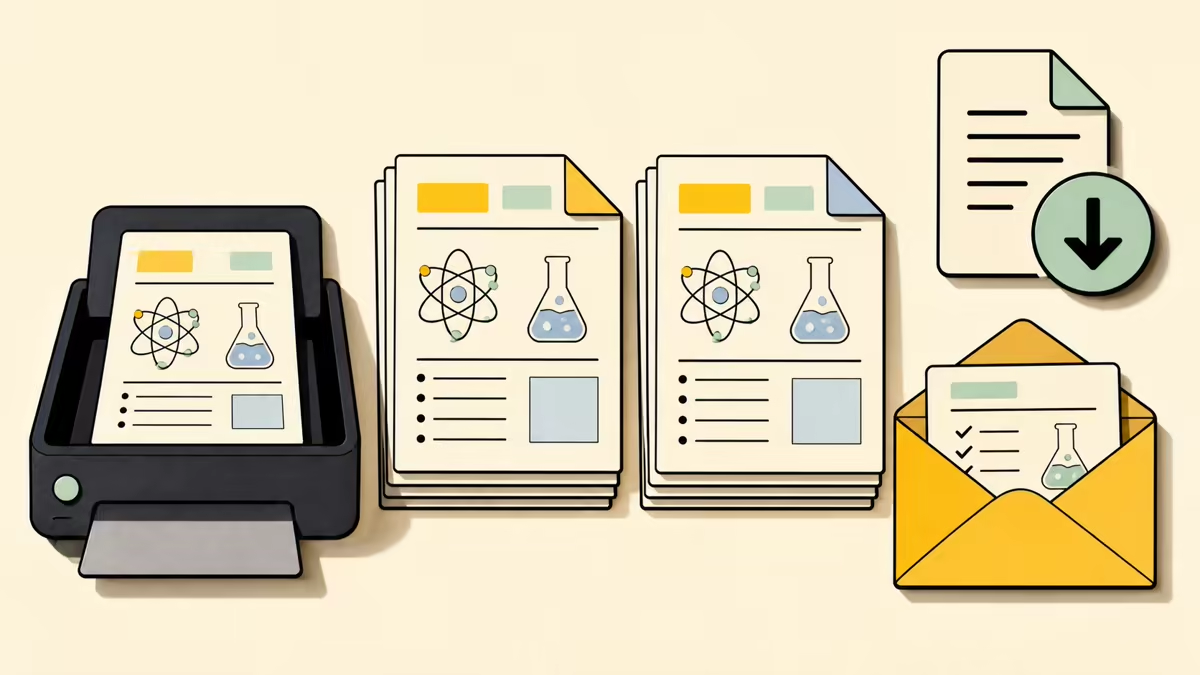
Choose US Letter or A4 and preview the student copy before opening the browser print dialog. Print it or choose Save as PDF, then repeat for the answer key if needed. Check page breaks and writing space against the task you are assigning. These are local draft and print actions, so you can make final adjustments without paying for another generated worksheet.
Draft my worksheet
A classroom teacher can use the AI Worksheet Generator after introducing the main idea of a paragraph. Enter that skill, the grade, and any passage the class used. Choose a short worksheet, then inspect whether the questions require the intended reading skill rather than unrelated background knowledge. Edit directions to match classroom language before printing tomorrow’s practice.
Enter a topic and grade. Add source material only when it helps define the content learners should use, and leave unrelated notes out of the brief.
In the worksheet generator, choose Quick, Standard, or Extended. Use the optional controls for a specific question mix, challenge level, output language, standards, or special instructions.
Read every item and answer, make local edits, and choose Letter or A4. Print or save the student copy and teacher key separately so the right version reaches each reader.
Quick produces 6–8 questions, Standard 10–12, and Extended 14–18. Choose based on the purpose and time available for the work. The length is a range, not an exact question-count control.
Leave the automatic mix selected or request supported types such as multiple-choice, fill-in-the-blank, true-or-false, and short-answer. Custom guidance helps describe what you want within supported formats; it does not create arbitrary interactive question widgets.
The file must contain selectable text and fit within 10 MB and 50 pages, with at most 40,000 extracted characters. Image-only scans are not readable here. If a document fails those checks, paste the relevant lesson text instead.
The student copy and answer key have separate views. Select the student version when printing or saving the handout for learners. Use the teacher version for reference, and check the selected view before confirming the print dialog.
Editing changes the current local draft; it is not a saved worksheet library. Print, save as PDF, or copy the version you want to keep. If you alter a question, also inspect its linked answer rather than expecting the tool to recalculate it.
Use the worksheet generator with the browser print dialog and its Save as PDF option. The worksheet offers Letter and A4 layouts, with student and answer views exported separately. Open the preview first to check that the selected copy and paper size are the ones you intend.
Quick costs 2 credits, Standard 4, and Extended 6 for generation or regeneration. A fresh guest allowance is enough for one Quick worksheet; other guest activity may reduce that balance. Standard and Extended require sign-in. Editing and printing the current draft do not consume credits.
Practice sheets have no points by default. Describe a scoring requirement in Special instructions if you need one, then check the resulting marks and answer key yourself. This is a printable worksheet workflow, not an online submission or automatic grading system.
Grade choices extend from Kindergarten through Grade 12 to College and Adult. Add the subject and adjust difficulty when useful. Whatever the selected level, review vocabulary, expected prior knowledge, and task complexity before handing the work to learners.

Start with a clear skill, refine the questions that need attention, and take away separate student pages and a checked teacher key.
Draft my worksheet