AI Study Guide Maker: Find the main thread
The AI Study Guide Maker uses an overview and learning objectives to introduce the topic before you move into individual concepts.
Decide what you want to understand by the end of this session. Bring a topic or course material, choose the depth, and get explanations, vocabulary, and practice arranged into a guide you can work through.
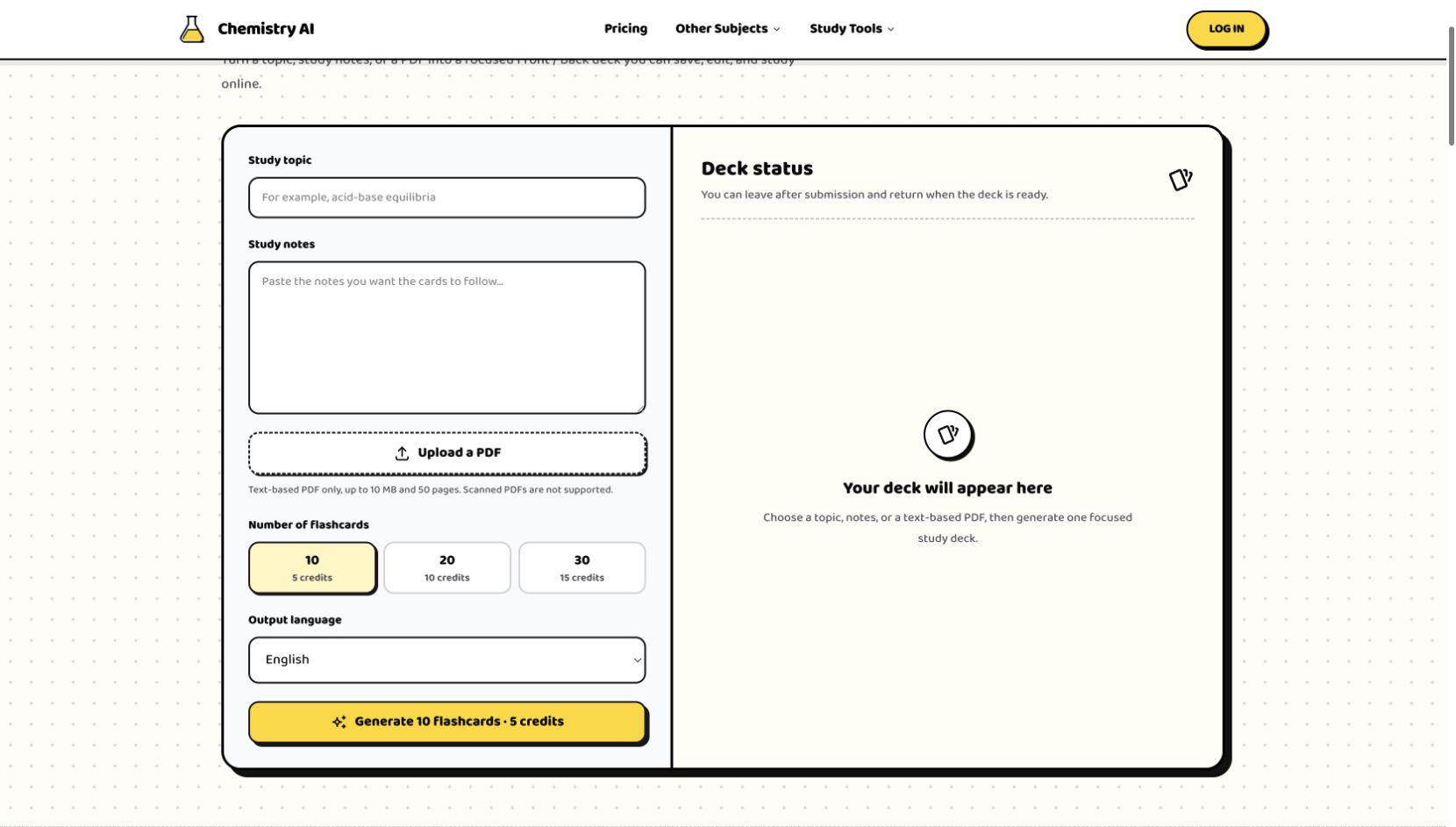
Add your topic, source, or lesson details, choose the settings, then generate a result you can use, copy, or download.
The AI Study Guide Maker uses an overview and learning objectives to introduce the topic before you move into individual concepts.
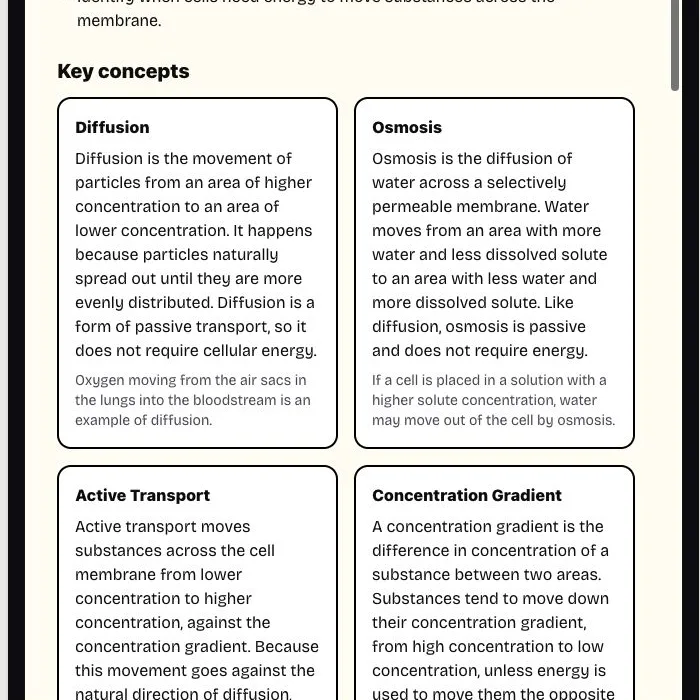
The Study Guide Maker places key terms alongside concept explanations, so vocabulary becomes part of understanding rather than a separate memorization list.
The AI Study Guide Maker includes practice questions and answers so you can check what you retrieve after reading the explanations.
The Study Guide Maker uses the selected depth to control how many concepts and practice questions you will work through in this review.

Start the AI Study Guide Maker with course notes, selectable PDF text, or a clearly named topic. Use the optional focus to tell the study guide creator which part deserves attention. For a reading on cell division, that might be the stages of mitosis and what changes at each stage. A focused source is more useful than unrelated notes collected simply because they are available.
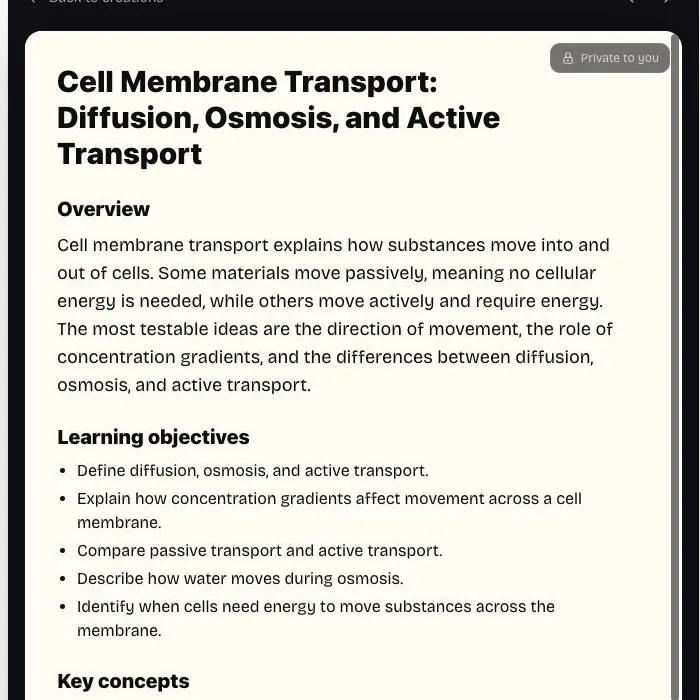
The AI Study Guide Generator produces an overview, objectives, key concepts, and key terms, followed by common mistakes, memory tips, and practice with answers. Each section serves a different part of review: the overview sets direction, explanations develop the ideas, and questions ask you to retrieve them. You can read in order or return to the section that addresses a particular uncertainty.

In the Study Guide Maker, learner level and depth answer different questions. Level identifies the audience: middle school, high school, college, or professional learning. Depth determines how much material the guide contains. Choose both, plus the output language, before generation. A deep guide is a larger review, not a substitute for selecting an appropriate level or supplying the course context the reader needs.

Read one concept, look away, and explain it in your own words before checking the text. Then try a practice question without its answer. Keep a separate note of what you could not recall or apply. This is a way to use the guide, not a built-in scoring mode: the value comes from doing something with the material rather than repeatedly reading it.

Compare a definition with the textbook, work a formula through with your own numbers, or check whether an example fits the rule it illustrates. Generated study material can contain errors or leave out qualifications. Use the original source to resolve those points and keep any corrections in your own study document. The guide organizes a review; your course remains the reference for what must be learned.
Build my review guide
You have a short gap and want to refresh a recent lesson. Supply that lesson alone and choose quick depth for 3–5 concepts and 3–4 practice questions. Use the compact set to identify one point to revisit before class. It is a focused refresher, so avoid feeding it a whole term of notes and expecting comprehensive coverage.
Add the topic, notes, or readable PDF for this session. Remove unrelated sections so the source supports the learning goal you have in mind.
Select level, depth, and language. Add a focus when certain concepts or exam objectives should guide the result rather than leaving that priority implicit.
Generate the guide, inspect its coverage, and attempt the practice. Copy the text or download Markdown to keep alongside your course notes and personal corrections.
Yes. A specific topic is enough to start. Include the subject and intended level, then set the depth. Uploading or pasting course material is useful when the guide should reflect a particular chapter rather than general coverage of the topic.
Name the concepts or relationships that need attention. For example, ask for comparing linear and exponential growth rather than simply exam revision. A focus steers the guide, but you should still check whether its coverage matches the material your instructor expects.
PDFs need selectable text and must stay within 10 MB, 50 pages, and 40,000 extracted characters. Scans made only of images cannot supply text through this tool. For an oversized document, use a relevant excerpt instead of uploading the entire reading.
Use the Study Guide Maker, then copy the generated text or download it as a Markdown file. Both actions work with the existing result and require no new generation credits. You can then maintain corrections, extra examples, and your own annotations in the document editor you normally use.
Choose a summary when you only need the main points. A guide also gives you vocabulary, common mistakes, memory tips, and questions with answers. Those additions support a session in which you explain and recall ideas, rather than only read a condensed account.
Start with quick for a narrow refresher, standard for a chapter review, or deep for a broader set of concepts. The amount and relevance of your source matter too. More content is not automatically more useful if the session has a small, specific goal.
Guests can use the shared 3-credit allowance available across eligible tools and Chat. Generating a guide uses 1 credit, as does regenerating a new version. The remaining allowance depends on prior use; reading, copying, and downloading an existing guide do not consume another credit.

Pick the material, choose a depth you can work through, and build a guide that gives your next review a beginning, a focus, and a self-check.
Build my review guide