Begin with a learning goal
Start the AI lesson plan generator by describing what students should be able to do, then use that goal to judge the activities in the draft.
Start with the class you will actually teach: its topic, learners, and available minutes. Get a lesson sequence with teacher actions, student tasks, and checks for understanding, ready for your professional review.
Add your topic, source, or lesson details, choose the settings, then generate a result you can use, copy, or download.
Start the AI lesson plan generator by describing what students should be able to do, then use that goal to judge the activities in the draft.
The lesson plan maker accepts a duration from 15 to 240 minutes. The timeline allocates that time across named phases.
Give the AI lesson plan generator available materials, prior knowledge, and support needs so the starting point reflects your teaching situation.
Copy or download the draft and adapt the examples, transitions, and assessment to your class.
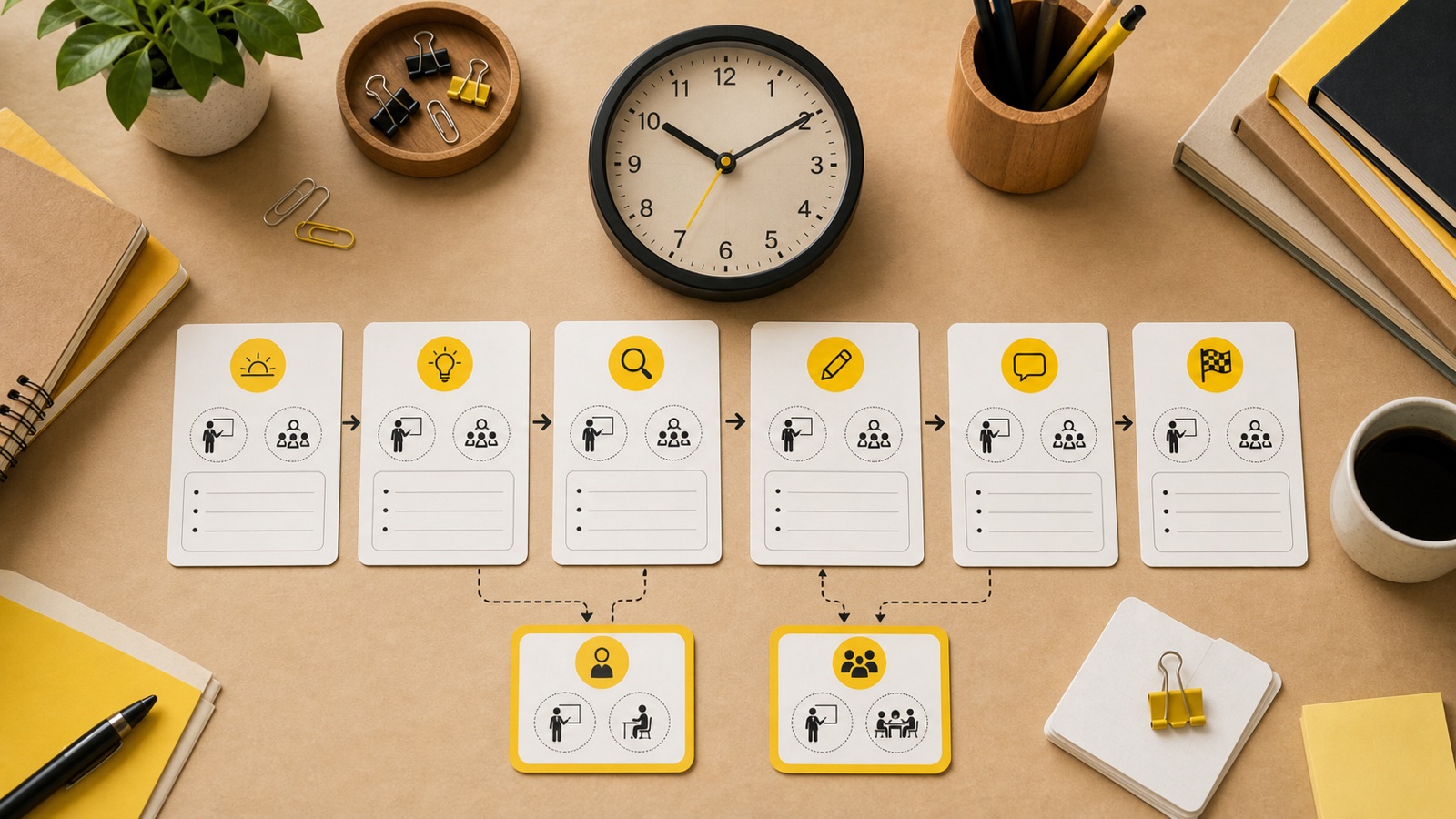
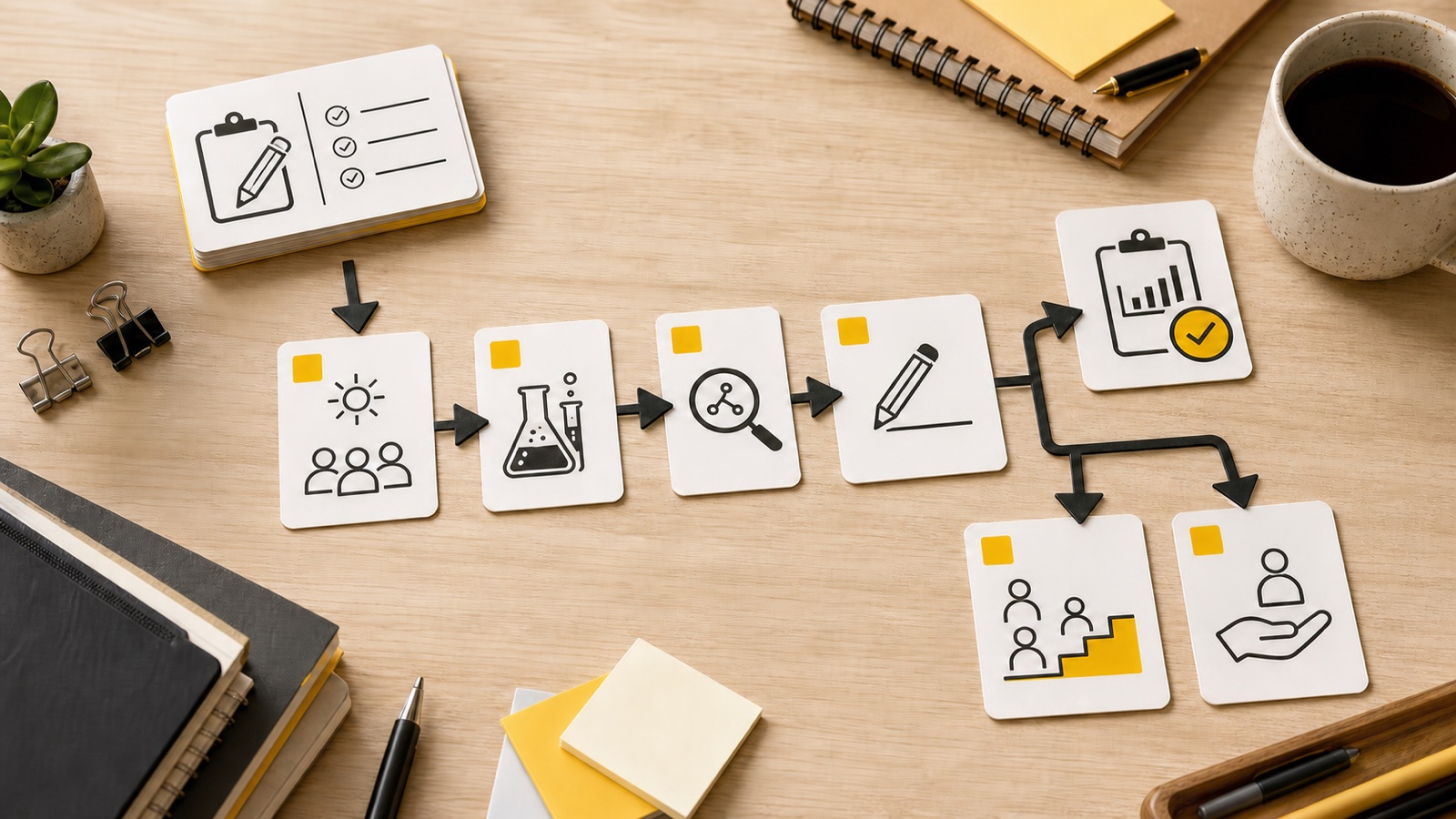
The AI lesson plan generator assigns minutes to lesson phases and checks that their total matches your requested duration. Teacher actions and student actions appear together, making it possible to inspect what both sides of the room will be doing. Use that view to examine transitions and setup: a complete allocation of minutes is a planning aid, while the actual pace still depends on your class.
The lesson plan maker includes a warm-up, direct instruction, guided practice, independent practice, checks for understanding, and assessment, alongside objectives and materials. Read the sequence as a chain: what will you model, what will students try with support, and what will they demonstrate on their own? Differentiation and homework or extension give you additional material to adapt around that central learning sequence.
Give the lesson plan maker classroom context such as limited equipment, a mixed-readiness group, or students encountering the topic for the first time. Supply differentiation needs separately when learners need particular support or additional challenge. These inputs guide the draft; they are more useful when concrete. “Pairs share one set of manipulatives” gives the plan a clearer constraint than “make it engaging.”
Look for places where the proposed activity assumes vocabulary, confidence, or prior learning your students may not yet have. You might replace an example with a familiar context, model an extra step, or shorten a task to protect discussion time. Copy the plan into your own planning document to make those revisions. The generated sequence is a starting point for those decisions, not a finished script you must follow.
When a lesson needs to address a standard, paste its wording into the standards field. The draft can relate that supplied requirement to the lesson, giving you something specific to review. Check the objective, student work, and assessment against the original standard. The tool does not look up a standards database or certify alignment, so the final curriculum judgment remains with the teacher.
Draft my class periodYou have 45 minutes to introduce equivalent fractions. Enter the grade, topic, and duration, then describe any materials you intend to use. Inspect how the draft moves from an opening task to modeling and student practice. Before teaching, allow realistic time for distributing materials and hearing student explanations, not just completing the written activities.
Enter subject, grade, topic, duration, and output language. Choose a topic that fits one coherent lesson rather than asking a short period to cover an entire unit.
Supply objectives, standards, classroom context, or differentiation needs where relevant. Name practical constraints explicitly instead of relying on the generator to infer your room or learners.
Generate, read the timeline, and check the link between objectives and assessment. Copy or download the draft, then revise it in your planning document before teaching.
No. Subject, grade, topic, duration, and output language establish the required frame. Add optional details when they affect the teaching approach. A clear objective or resource constraint can be more useful than a long description with little instructional direction.
Timeline phases include both roles and their allocated minutes. This lets you check whether students have a meaningful task during each phase rather than only seeing what the teacher will explain. Review the proposed actions for clarity and feasibility.
Yes. Put the relevant standard in the dedicated field rather than only mentioning a curriculum name. That gives the draft an explicit reference. Verify the wording and its interpretation against your current curriculum before using any alignment statement.
Each new lesson plan or regeneration costs 1 credit. Guests can draw from a shared starting allowance of 3 credits across eligible tools and Chat. Copying and downloading the existing result do not use additional generation credits.
Give the lesson plan maker your objectives directly. Specific objectives help you assess whether the suggested instruction and practice serve the intended learning. After generation, check that the assessment actually asks students to demonstrate those objectives rather than a nearby but different skill.
Choose the actual duration, between 15 and 240 minutes, and generate a new draft. Changing the time should prompt a fresh review of the scope and sequence. Do not assume that squeezing the same number of activities into fewer minutes makes them workable.
The download is a Markdown file, and you can also copy the text. Bring either into your normal planning workflow to edit. This page does not directly export a Word document or edit a Google Doc for you.
Confirm the subject facts, required materials, instructions, access needs, and assessment criteria. Walk through the transitions and decide what to shorten if students need more time. A plan that fits the timetable on paper still needs to fit the people in the room.

Name the goal and the minutes you have. Build a lesson draft, then shape the sequence around the students who will experience it.
Draft my class period